The Workflow
One project, start to finish
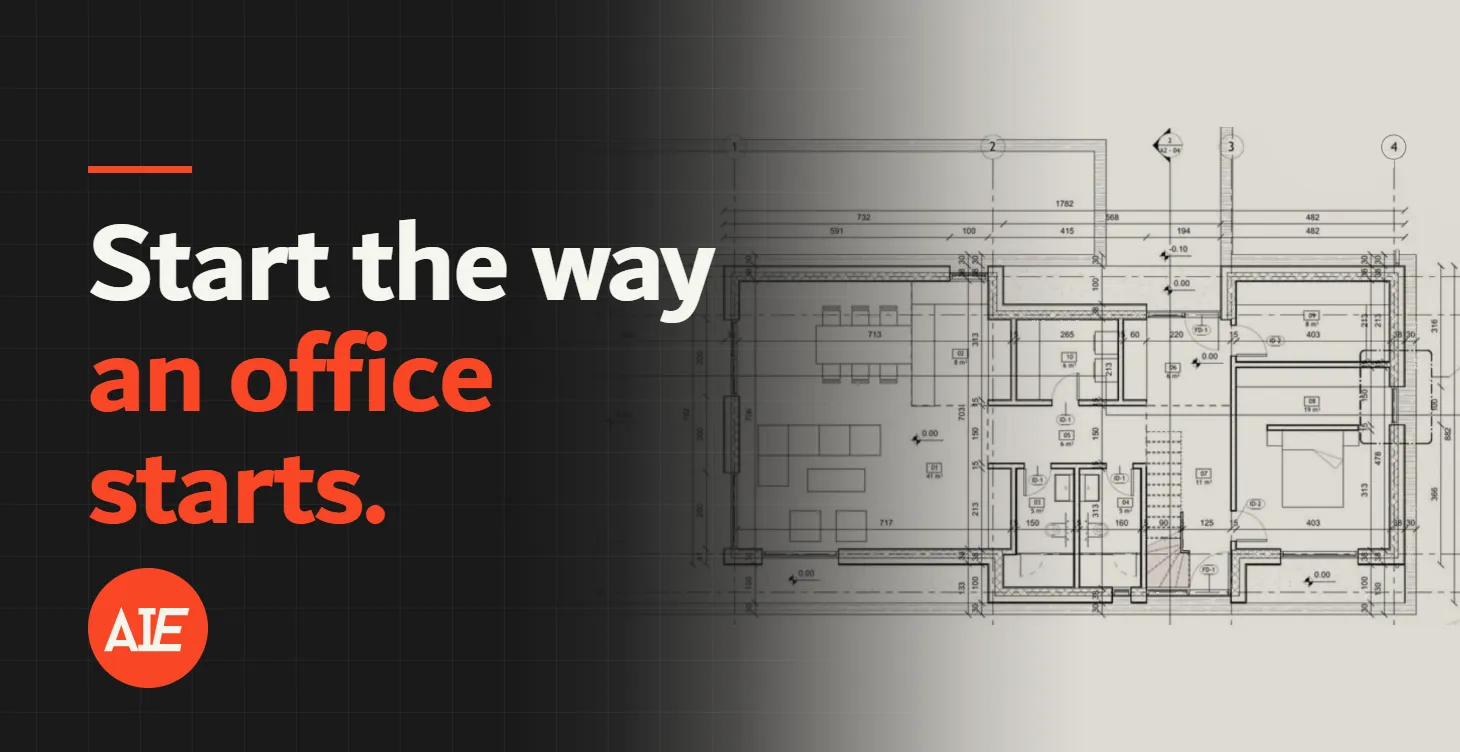
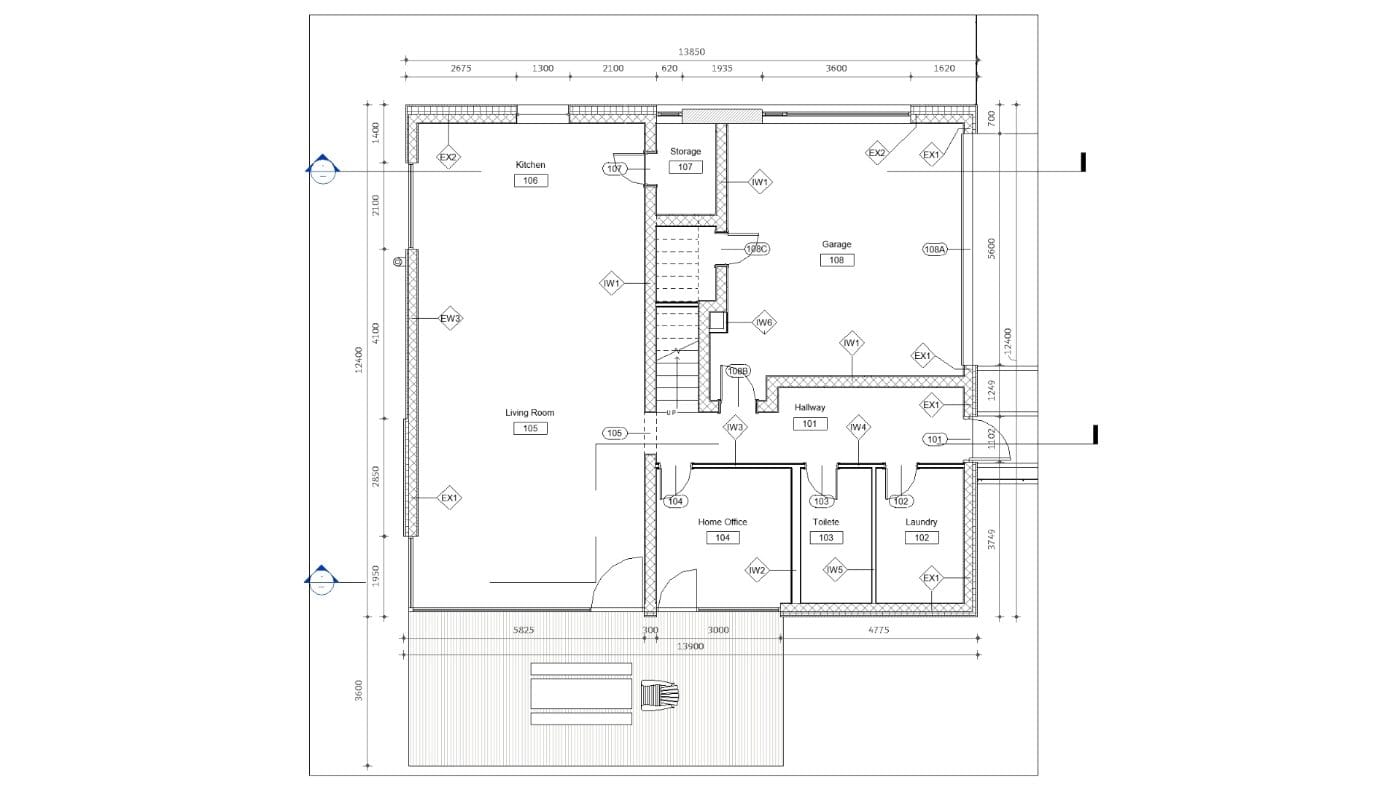
You build one villa from a blank file to a printed set. You model it, set up views, add annotations and schedules, and place it all on sheets. The steps follow the order an office works in.
Revit Foundations is a structured Revit course for architects, built on one real project, with an Autodesk Authorized Training Center certificate.
Start as a Revit beginner and finish with a complete project: model, views, schedules and sheets. Taught by an architect and Autodesk Certified Instructor. Stop guessing and start working the way offices do.
$597one-time · or 3 × $217 · lifetime access
Lifetime Own the course for life. Revit Foundations is also included in Premium, with every Ark It Easy course, $197 / year. Compare →
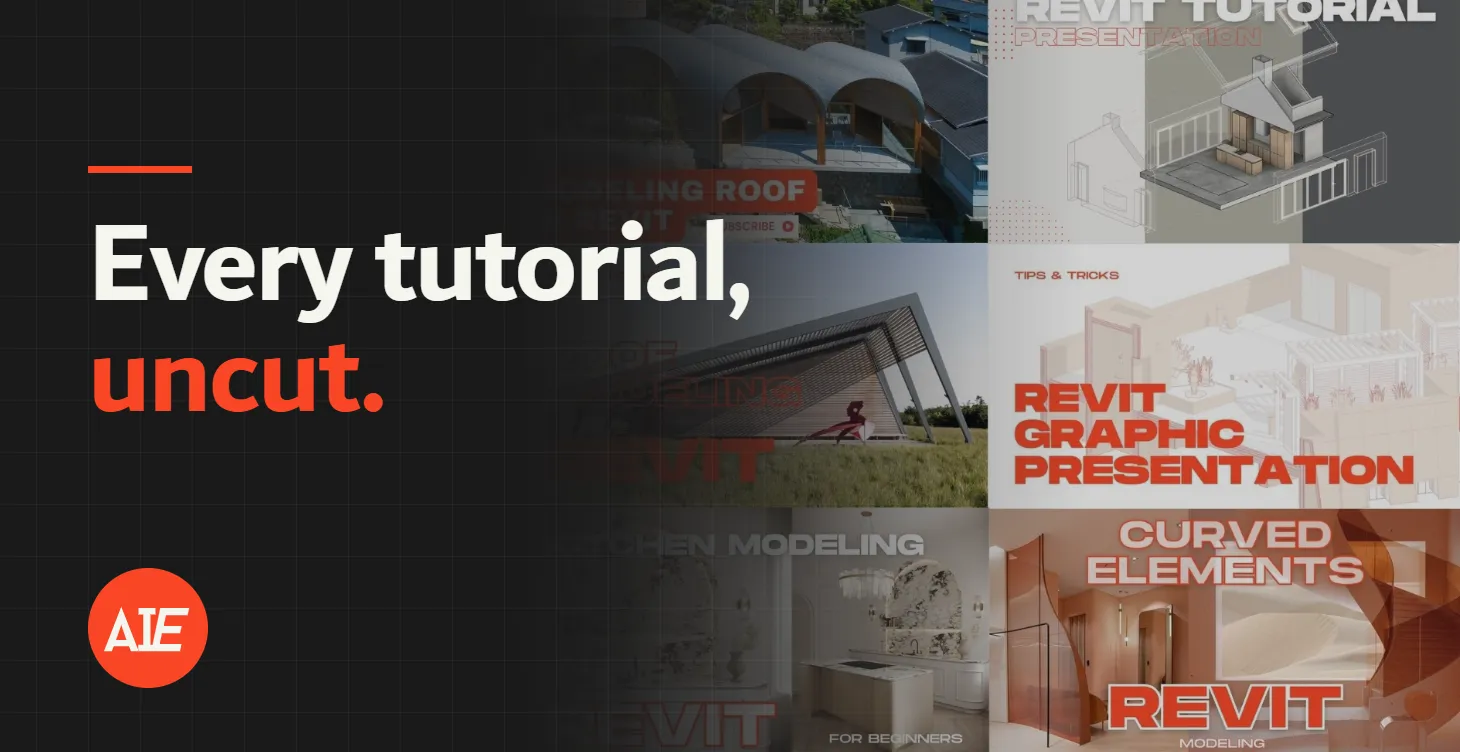
YouTube tutorials show you where the buttons are. Here you set up and finish a whole project.
Many people buy a course, watch the first videos and stop. Here every lesson moves one project forward, so there is always a next step.
You know where the buttons are. You don't yet know how to set up an office project from a blank file.
Without a set-up template, you repeat the same setup on every project. In the course you build view templates, filters and a project browser you can reuse.
This is why many students stop at the basics. They don't finish what they start. Their drawings don't look like office work. And they have no clear path from beginner to office-ready.
Field Notes: Documentation is still what an architecture office delivers The Workflow
You build one villa from a blank file to a printed set. You model it, set up views, add annotations and schedules, and place it all on sheets. The steps follow the order an office works in.
The Credibility
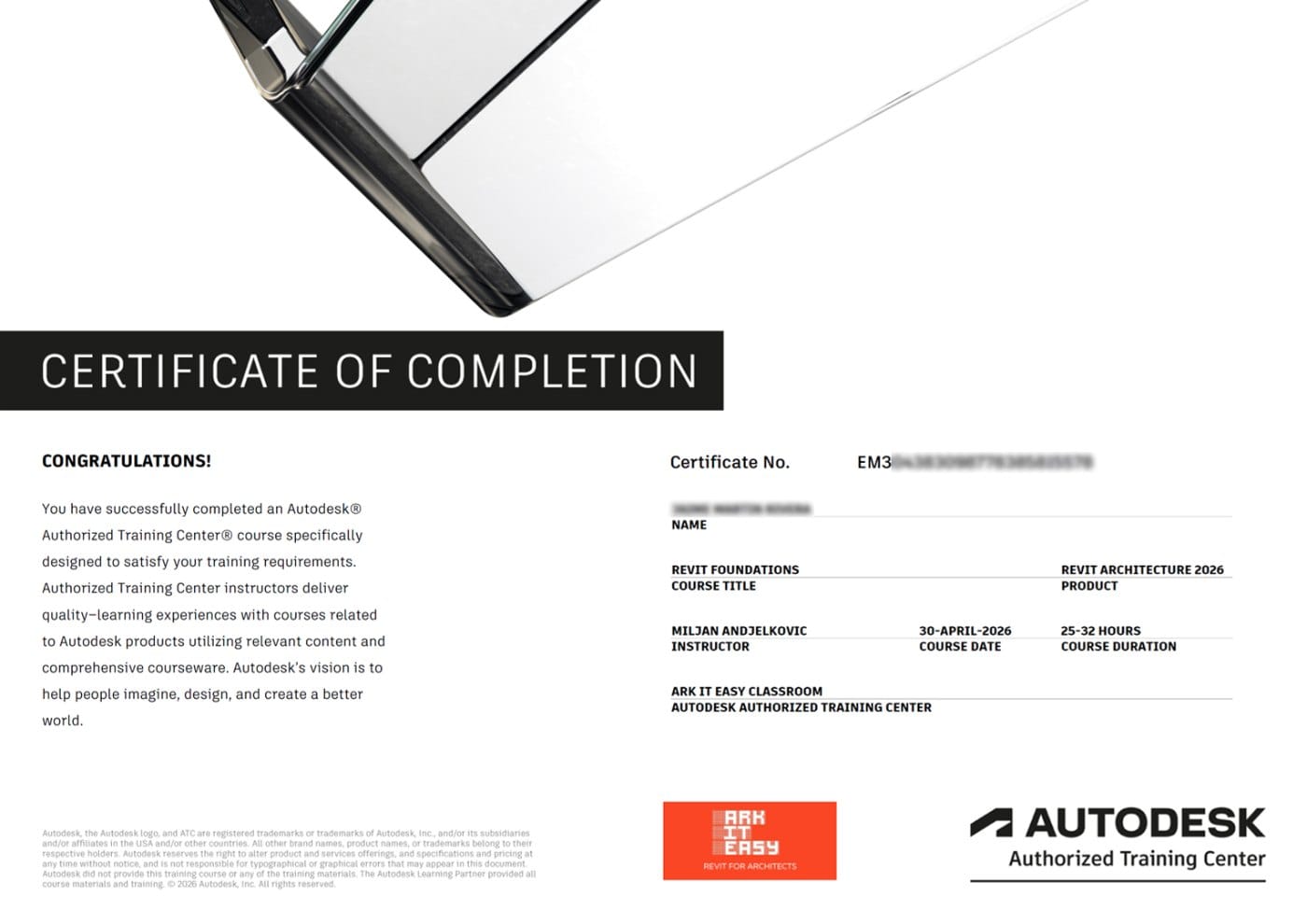
When you finish the course and your final project is reviewed, you receive an ATC certificate. As an Autodesk Authorized Training Center, we issue an official certificate of completion you can add to your CV and LinkedIn.
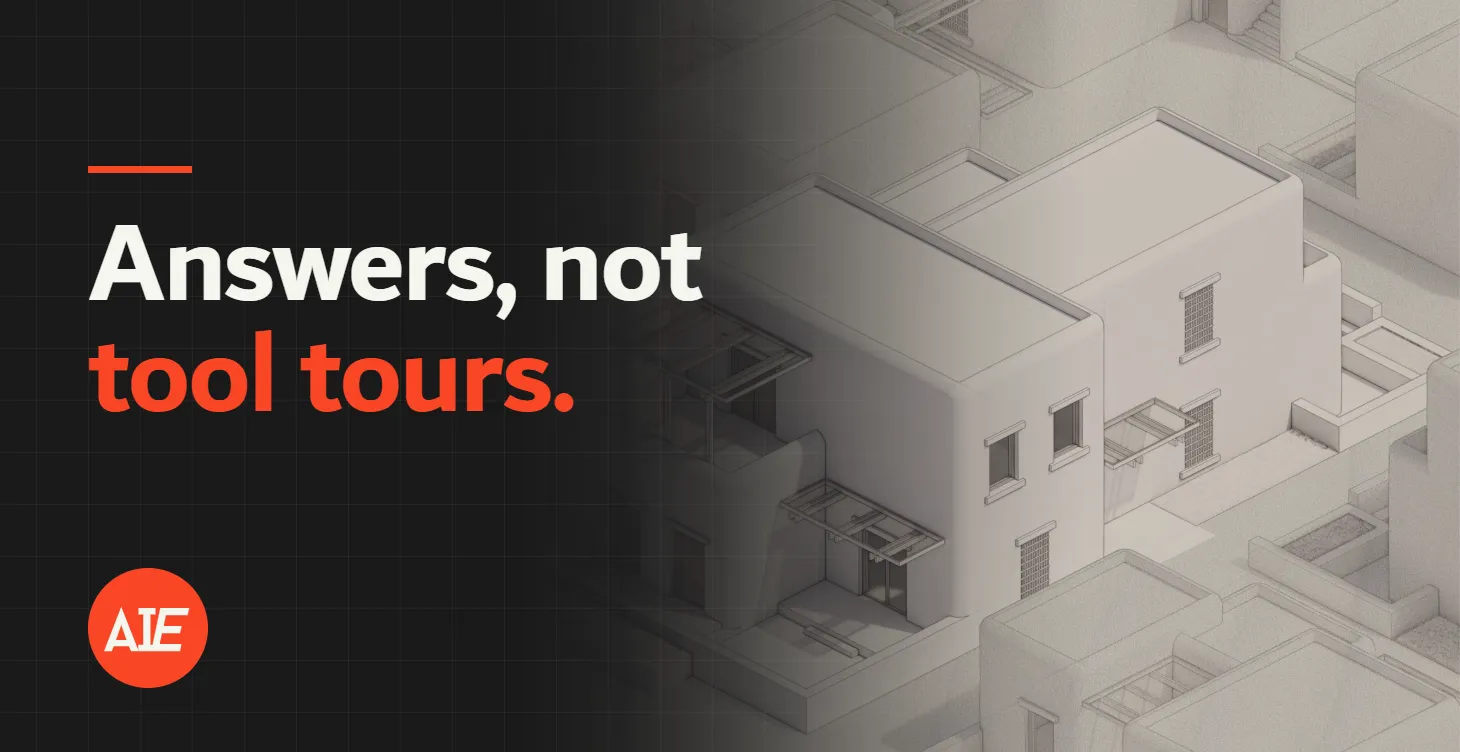
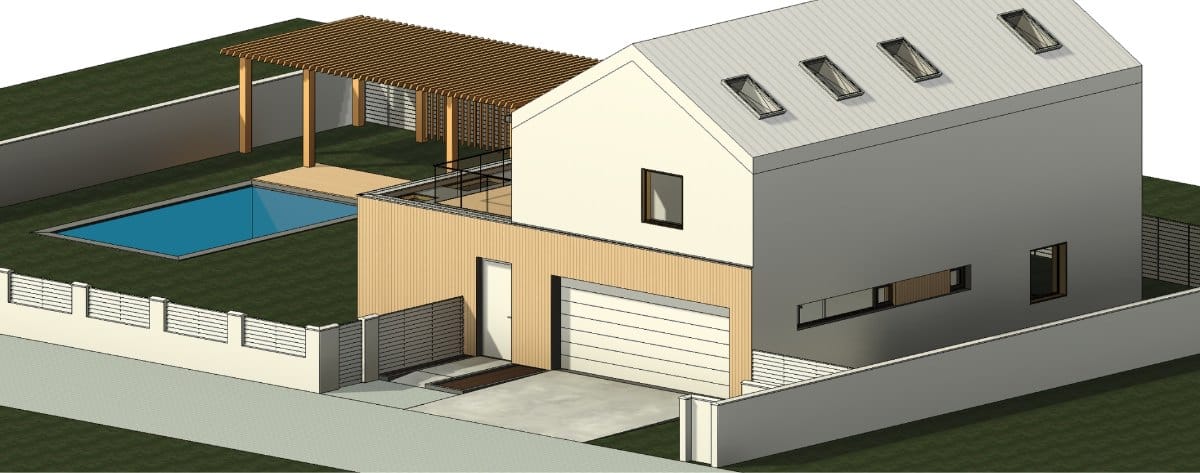
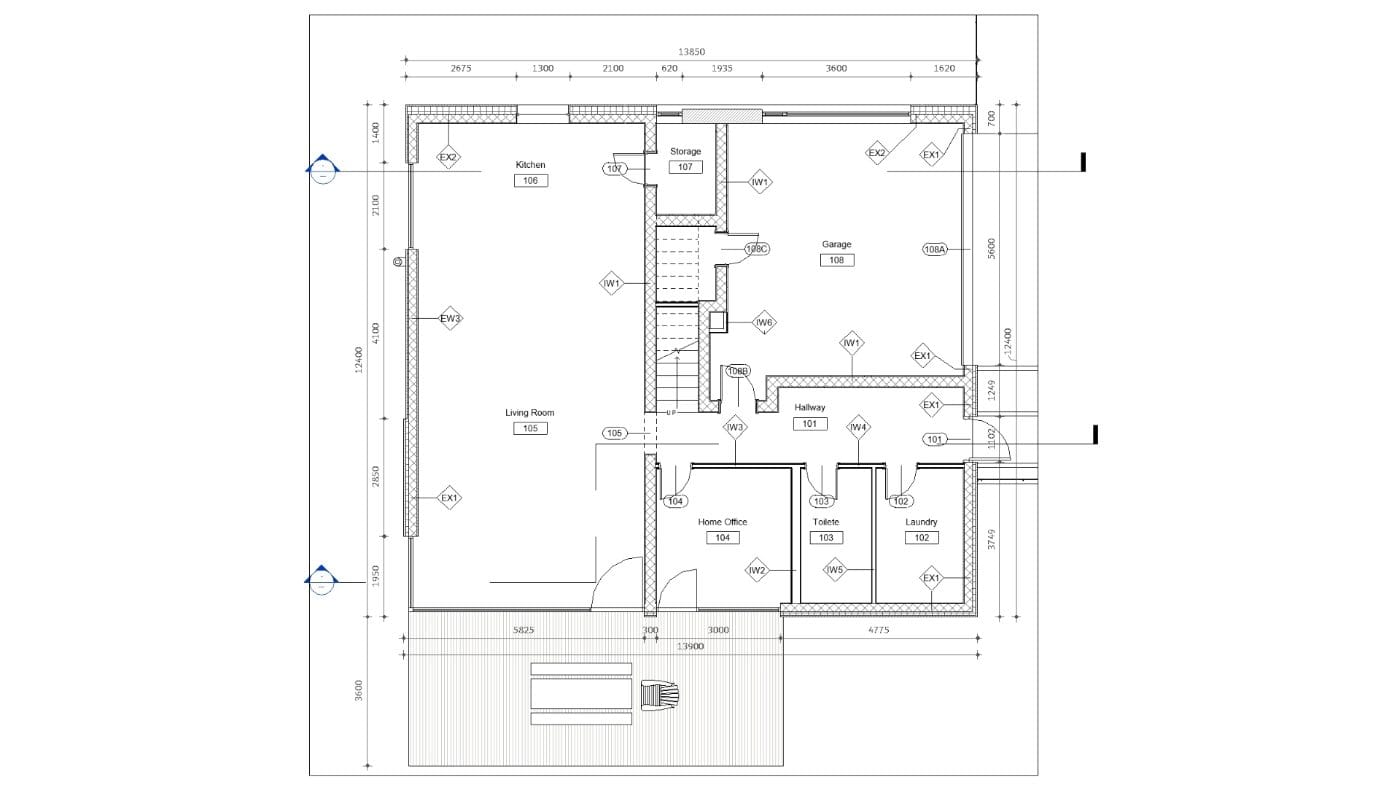
You don't learn tools one by one. You build a complete villa, from a blank file to a printed set.
Villa N1
Villa N1
Villa Novy Vestec
Villa Novy Vestec
Villa Novy Vestec
Villa Novy Vestec
Every other Ark It Easy course, the AIE office template and extended tutorials with project files, for 6 months. Not charged automatically after.
An Autodesk Revit educational license for 2 months, provided through our Autodesk Authorized Training Center.
I review every final project myself. You get a Loom video reply. It shows what works in your project and what to improve. Included with the lifetime course. For Premium members it is part of the certification add-on.
“I did a lot of online courses and this is by far the best online course that I did.”Laetitia Meyers Interior Designer, Belgium · Ark It Easy student

“The best course I found on the internet.”Ian Aulestia Architect, Canada · Ark It Easy student
Learning Revit is more than just understanding the tools. It's about optimising your workflow and making the software work for you. That's exactly what Ark It Easy has helped me achieve. Instead of spending hours searching for answers, the group provides well-organised tutorials and discussions that cover both fundamental and advanced topics like technical guidance, parametric design and troubleshooting, and I've found solutions quickly. What makes Miljan's approach different is the level of engagement: he's available, responsive and genuinely invested in helping students apply Revit in real projects. For anyone looking to go beyond the basics and truly integrate Revit into their design process, I highly recommend Ark It Easy. It's not just about learning. It's about working smarter.
“Ark It Easy is inclusive. It saved a space for me.”
“Without a doubt, this Revit course is a true oasis of knowledge! With an enthusiastic instructor and effective teaching methods, it provides invaluable help and makes learning easier compared to other courses I've come across.”
“Ark It Easy makes the transition from conventional software to Revit (BIM) easier, less stressful and more fun, providing assistance almost every time.”
“Ark It Easy is for anyone who wants to learn Revit quickly and painlessly, primarily because of Miljan's mission to make the experience as easy and beautiful as possible.”

Architect · Autodesk Certified Instructor
I spent four years at Sweco Architects in Stockholm as an architect and BIM specialist, on projects like Hainan Future Industry Park and the Stureplan District in Stockholm. Today I set up Revit templates and standards for architecture offices, so I teach what offices actually use.
I remember when my Revit skills held me back. I spent late nights piecing together tutorials. I was never sure if I was building bad habits. That is why I made this course.
Foundations is the course I wish I'd had. It teaches the software and the order of work I had to learn the hard way. When you get stuck, I reply with a Loom video. I look at your file and show you the fix on screen. It works in any time zone.
Two ways to get Foundations: inside Premium, or as a lifetime course with the ATC certificate, 6 months of Premium and a 2-month Revit educational license.
If the course isn't right for you, email us within 14 days of purchase and we'll refund you in full. No questions asked. If an ATC certificate has already been issued to you, the purchase is no longer refundable.
$597one-time · or 3 × $217 · lifetime access
After the 6 months, Premium is not charged automatically.
Personal license. One named person per account.
The course is pre-recorded video. Start when you want and go at your own pace. There are no scheduled live calls.
Ask in the Skool community, send me a direct message, or email me at [email protected] with your project file. For harder questions, I record a Loom video reply that walks through your file. Support is written and recorded, not live, so it works in any time zone.
Yes. When you complete all modules and submit your final project for review, you receive an official certificate of completion from an Autodesk Authorized Training Center (ATC). Premium members can add ATC certification for $97. The lifetime purchase includes it.
Architects, designers, and architecture and interior design students who are new to Revit. You don't need any Revit experience.
Yes. You get all the Revit project and exercise files for each module. They open in Revit 2022 and newer. We recommend Revit 2026.
If you choose a payment plan, you agree to the number and amount of monthly payments shown at checkout (for example 3 payments), billed every 30 days.
Lifetime access to all course videos. Watch any lesson as often as you like. Updates we make for new Revit features are included.
There are no fixed live calls, so your time zone doesn't matter. Post in the community at any time or send me a DM. For harder questions, I reply with a Loom video. Those videos are collected in Module 9, a searchable library of answers.
With the lifetime course, yes: a 2-month Autodesk Revit educational license is included, provided through our Autodesk Authorized Training Center. Premium membership does not include a Revit license. If you're a student or educator, you may qualify for a free 1-year license from the Autodesk Education Community. In that case, use that one.
The course is taught entirely in English.
I learned Revit from scattered tutorials, late at night. I never knew if I was building bad habits. Foundations is the course I wish I'd had. You follow one project in order. When you get stuck, I reply.
Miljan Andjelković
Trusted & partnered with