
Course · Beginner to intermediate
Revit Foundations
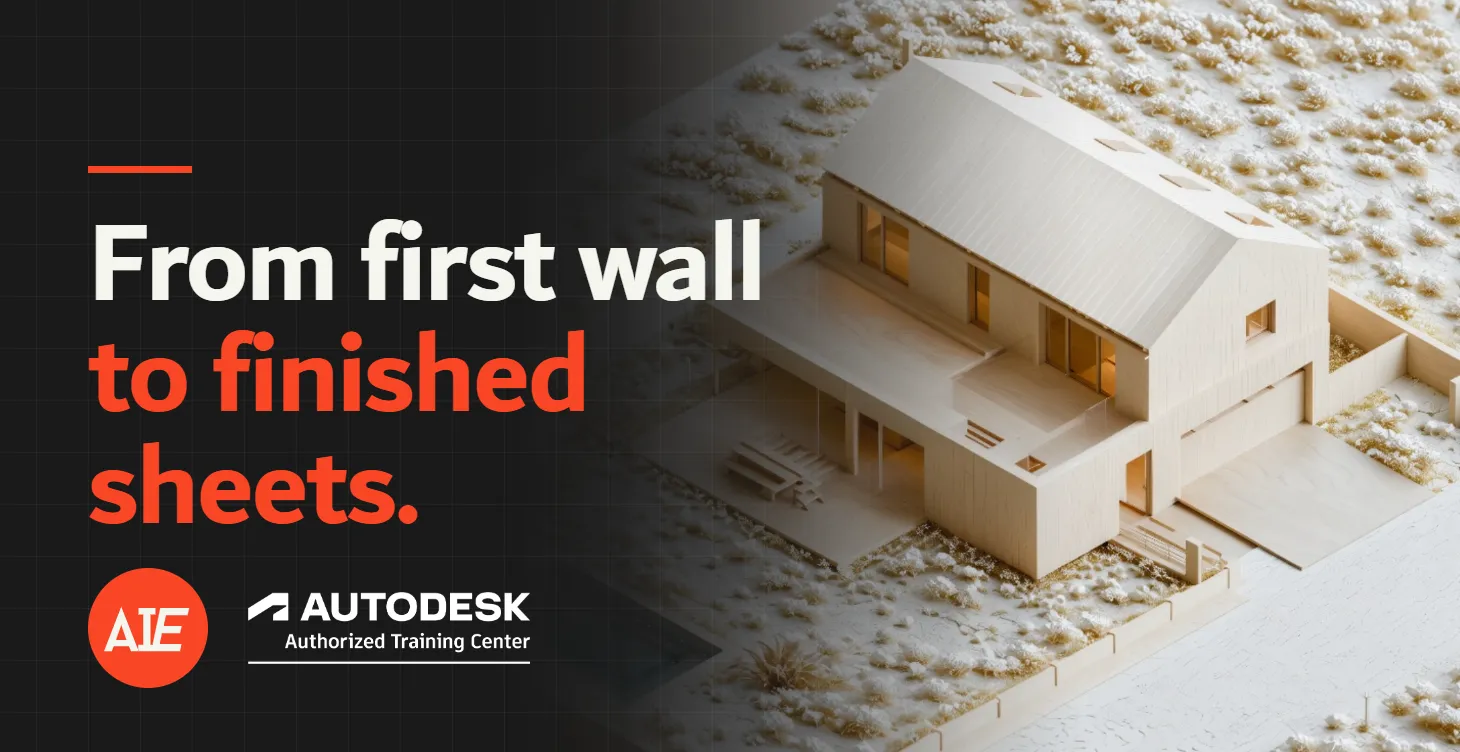
The structured path: one real project, from a blank file to a printed set. ATC certification available as an add-on.
Included
Ark It Easy Premium is an annual membership with every Ark It Easy Revit course, the AIE office template and extended tutorials with project files.
Your price is locked for as long as you stay.
VAT is added by Skool at checkout where it applies. Personal license. One named person per account.
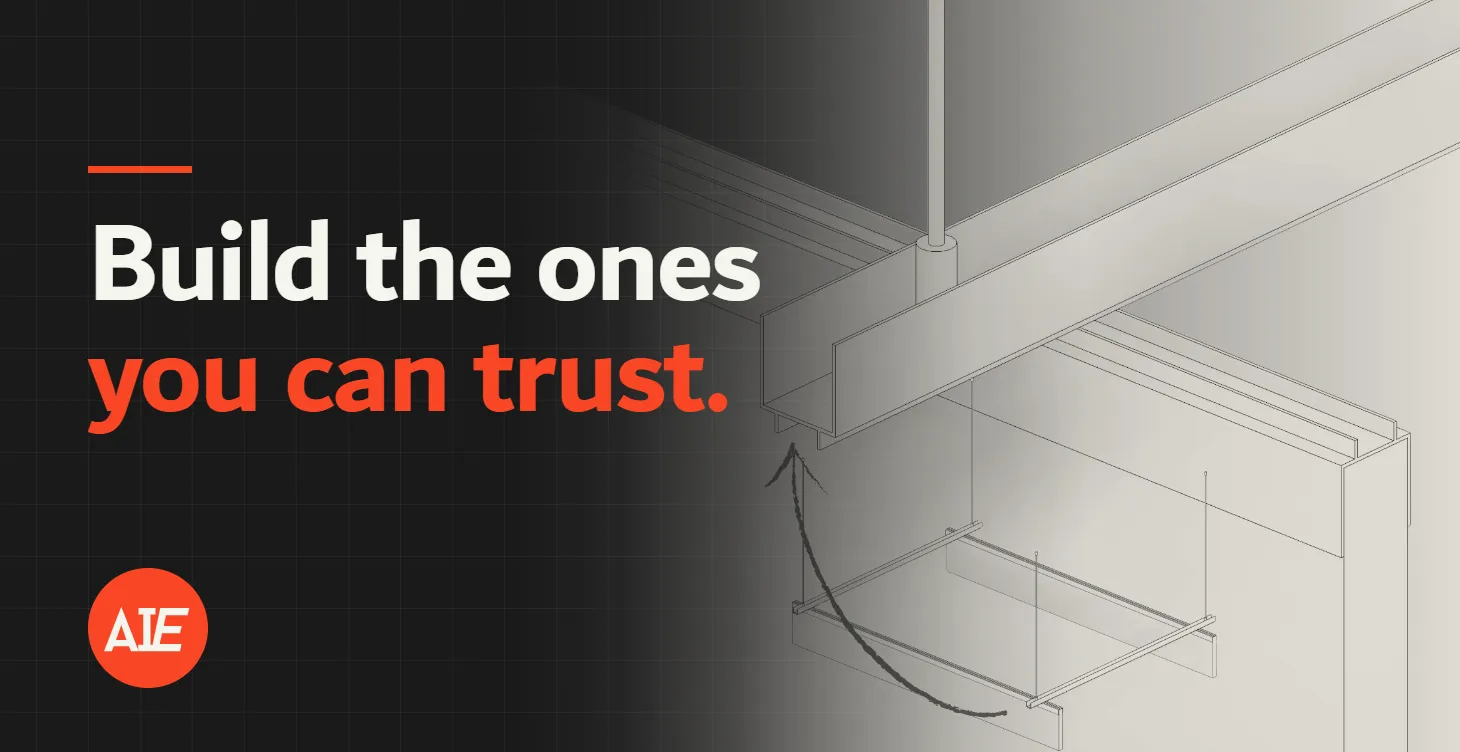
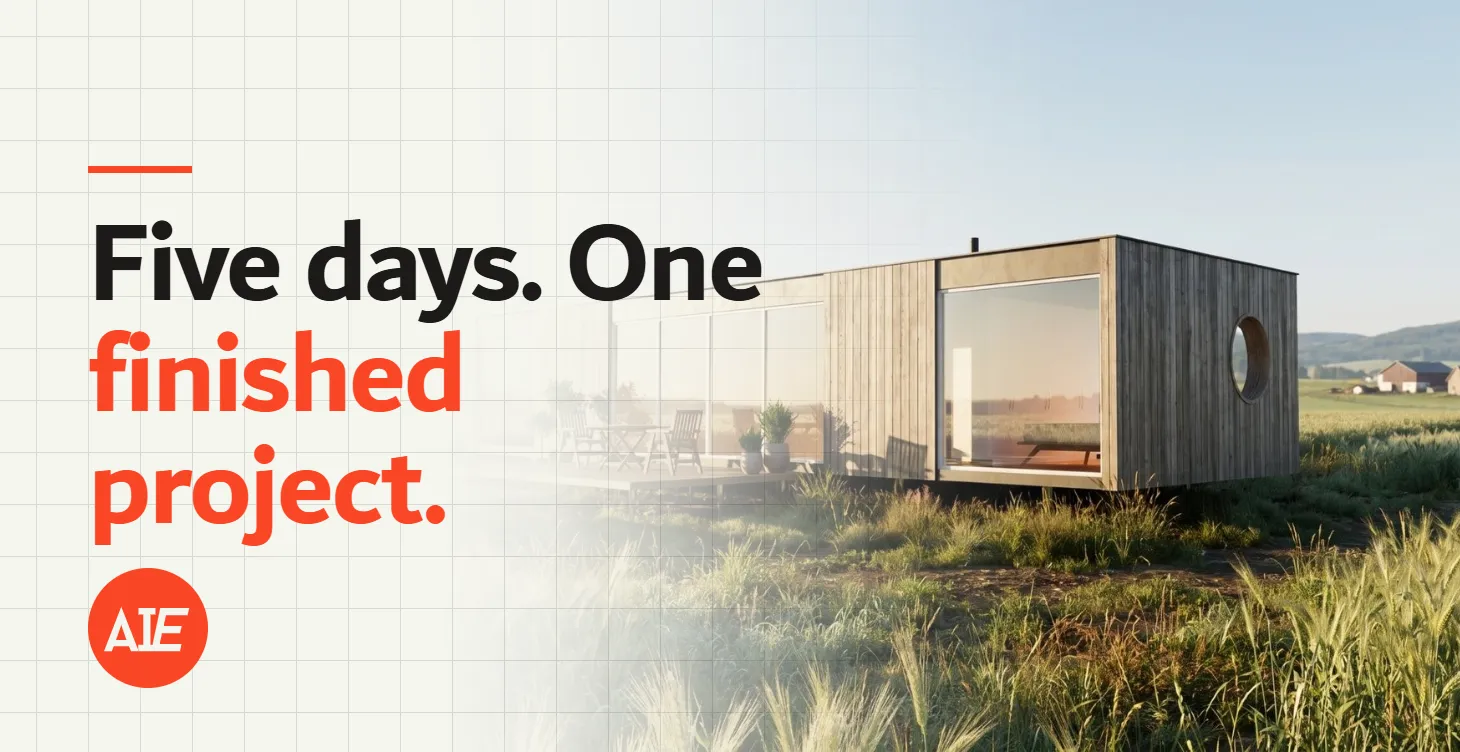
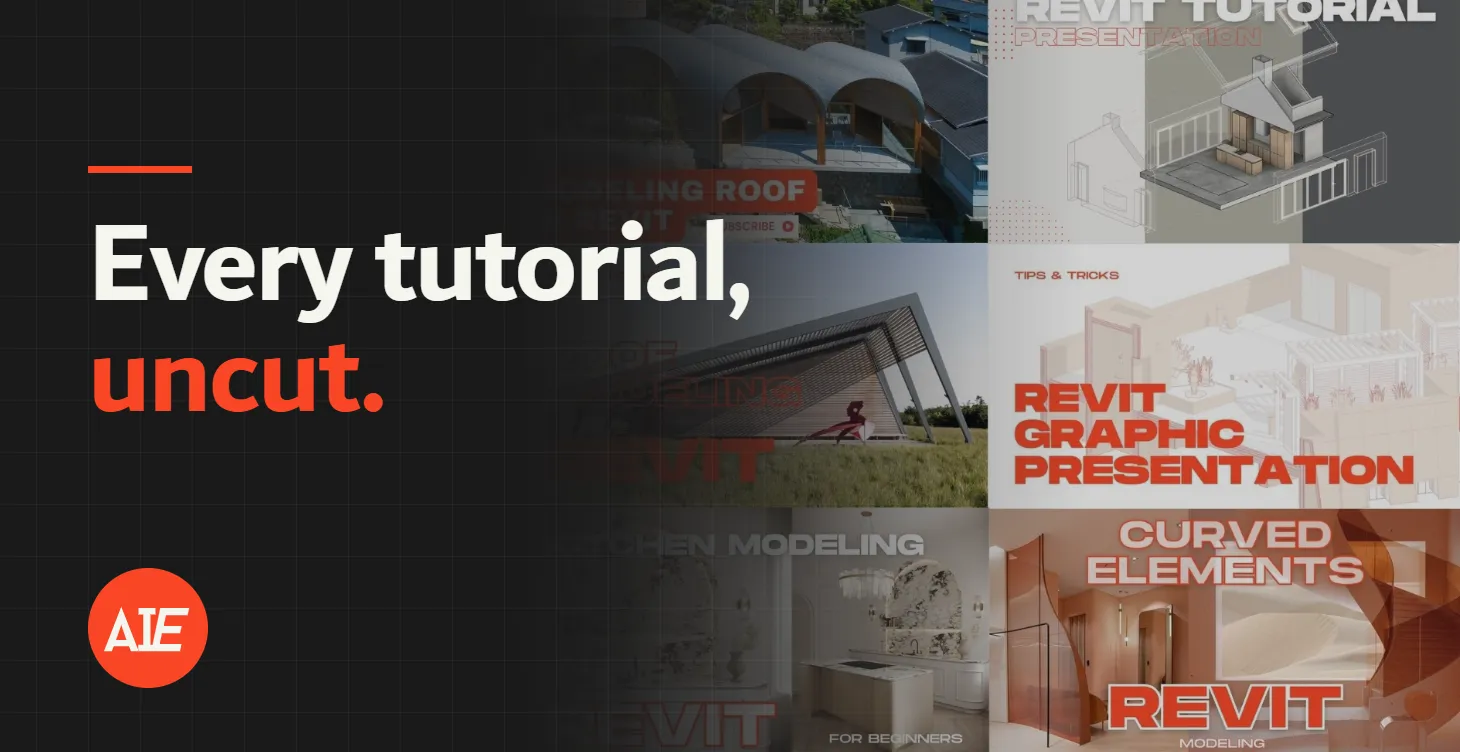
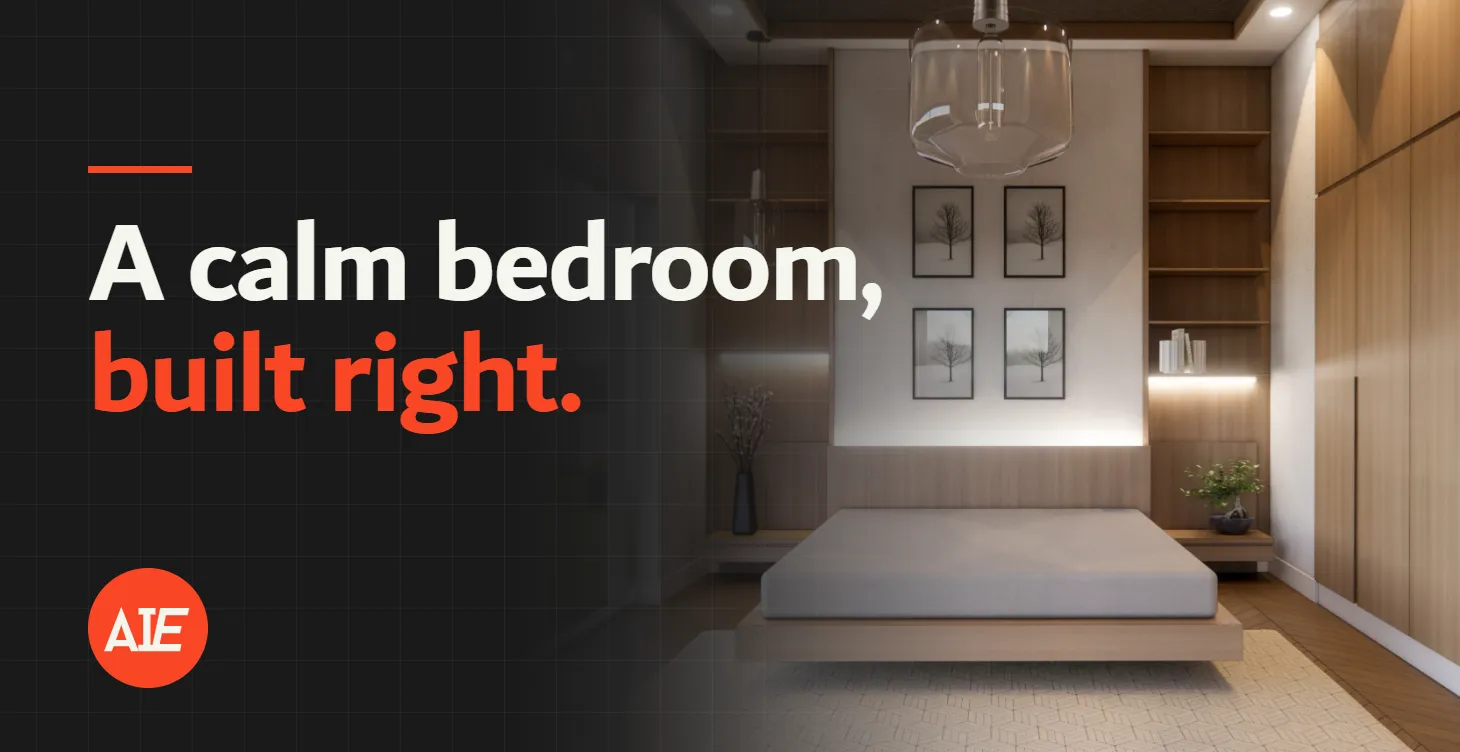
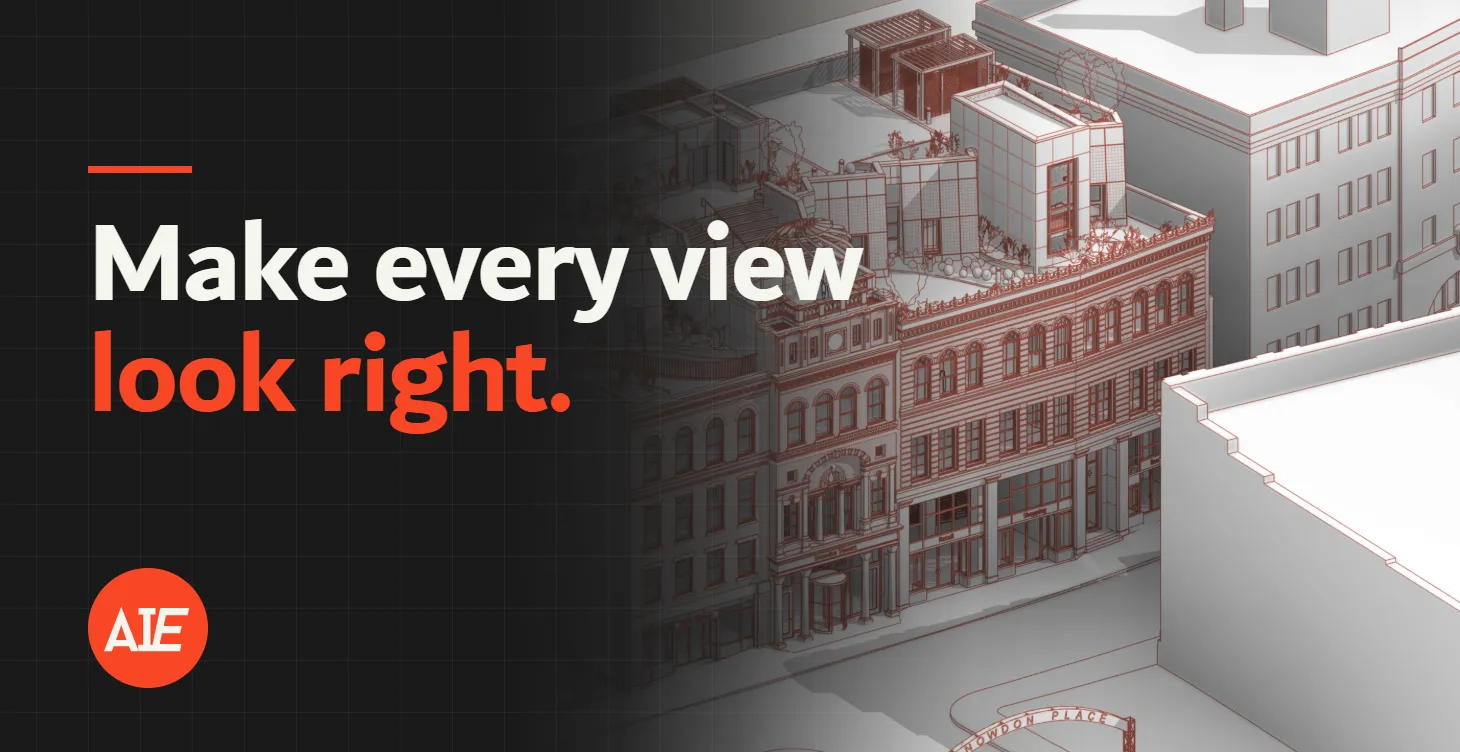
A free tutorial shows you a tool. A real project asks how that tool fits with everything else: the template, the standards, the families, the sheets you have to deliver on Friday.
That is the gap Premium covers. Full workflows, the files behind them, and short answers to the questions that come up mid-project.
Field Notes: Revit project setup, what to fix before the first wallHit a problem.
Your facade needs a custom profile. Your sheets look flat. Your office has no template.
Find it by task.
Courses and tips are organized by what you are trying to do, not by Revit menu.
Work on the same model.
Extended tutorials come with project files, so you follow along on the model you see on screen.
Course · Beginner to intermediate
The structured path: one real project, from a blank file to a printed set. ATC certification available as an add-on.
Template · All levels
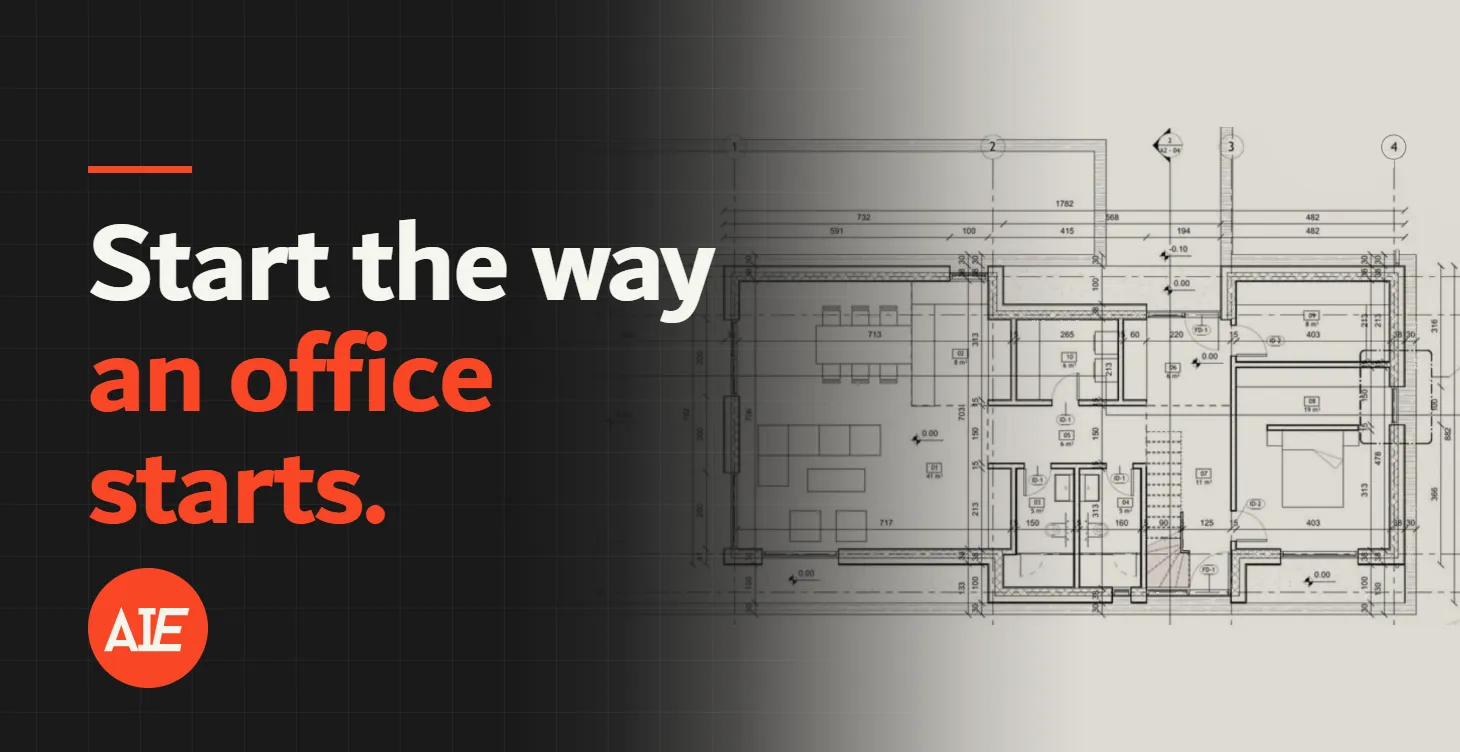
Start the way an office starts. A complete architectural template with setup and standards in place, so you stop rebuilding the same settings on every project.
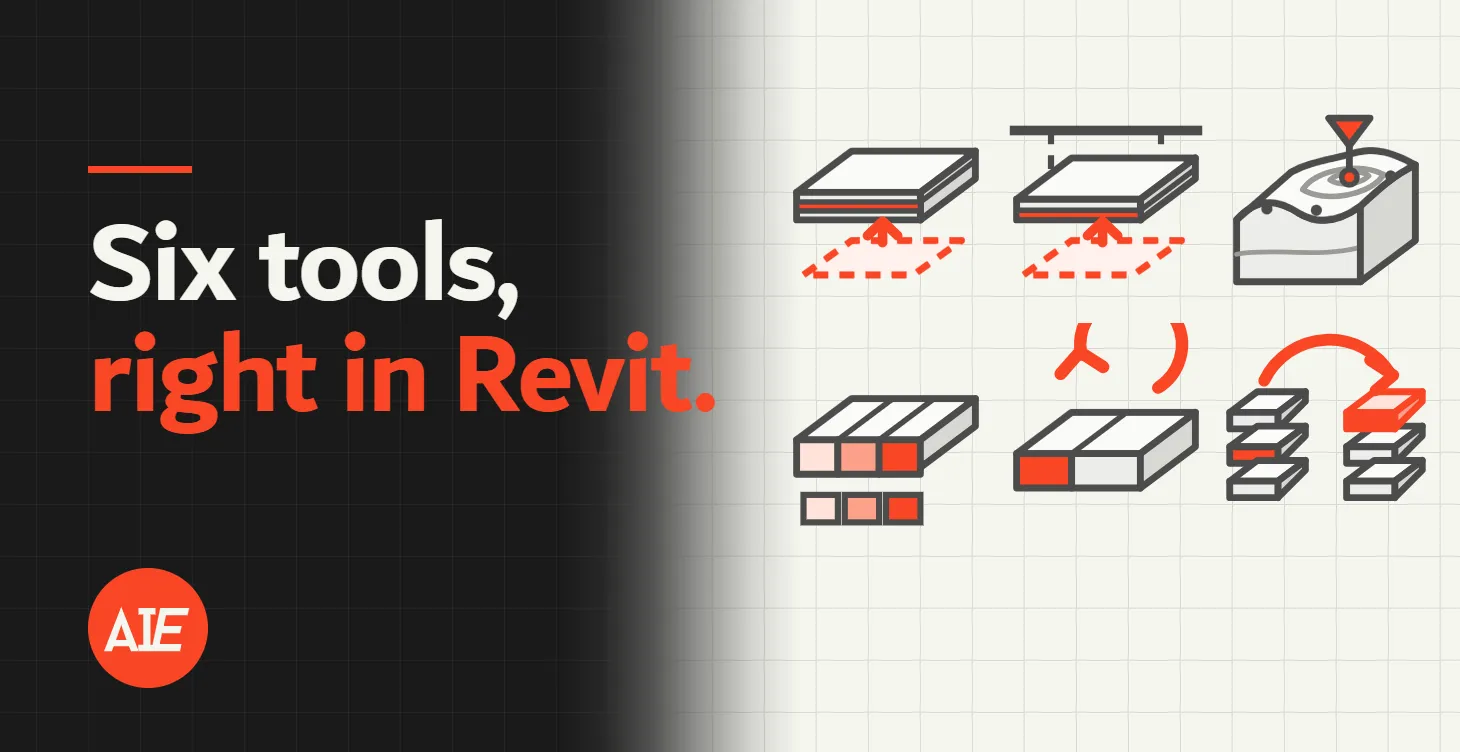
Revit plugin · Revit 2025, 2026 & 2027
Six tools on their own Revit tab: floors and ceilings from rooms, terrain from survey points, color-coded views and project transfer.
Tutorials
The full versions of the YouTube tutorials, plus the project files. The free video shows the idea. The extended version shows the whole workflow.
Short videos · 2-5 min
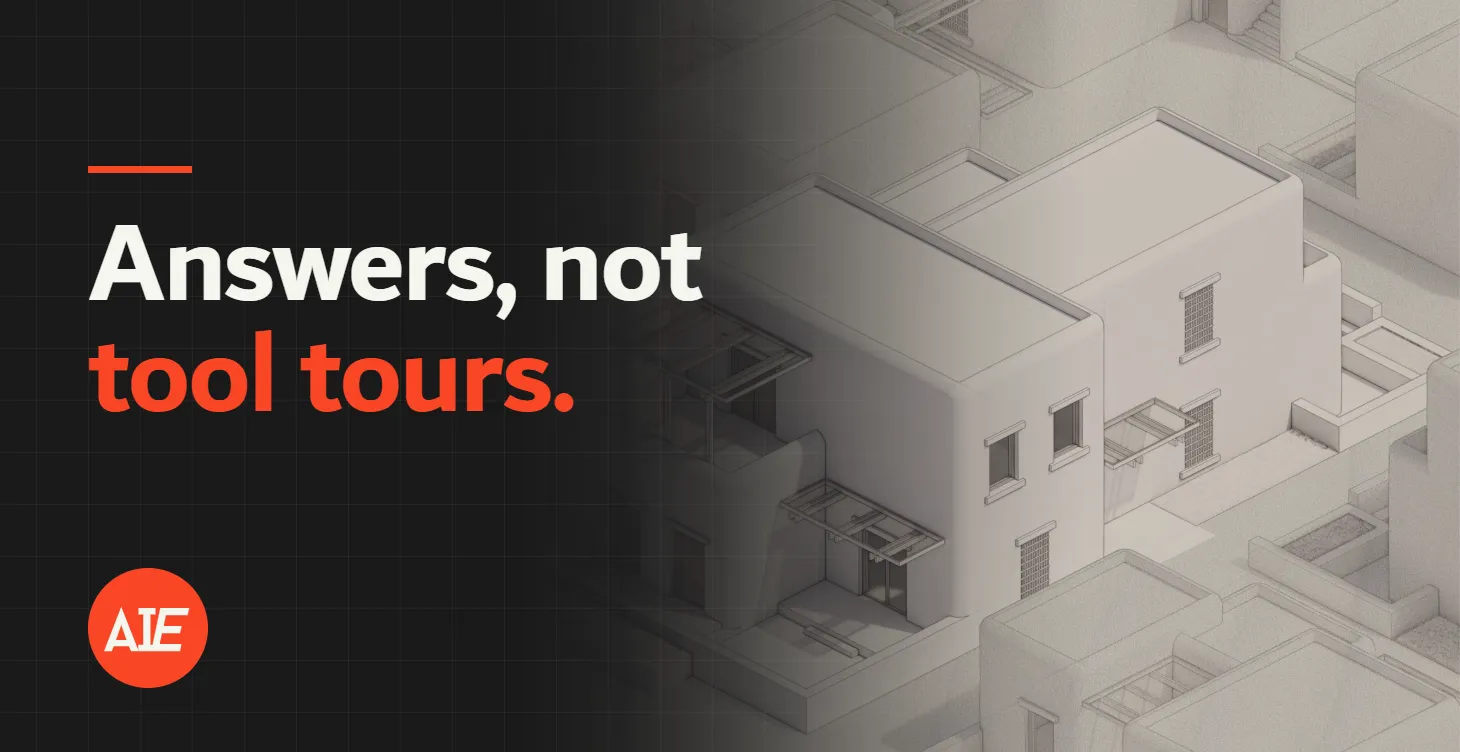
Answers, not tool tours. Short videos, searchable by task.
Course · Intermediate to advanced
Stop avoiding families. A repeatable method for building profile and face-based families you will actually use on projects.
Course · Intermediate
Model, texture and light a calm Japandi-style bedroom, from an empty scene to a finished interior.
Course · Intermediate
Control view settings, line styles, filters, materials and effects to produce presentation-quality drawings in Revit.
Workshop · Beginner
Five days, one complete project: set up, model, document and render it.
Ask in the community, by DM or by email. As a Premium member, you get an answer within 48 hours on working days, usually within a few hours.
Included



“Without a doubt, this Revit course is a true oasis of knowledge! With an enthusiastic instructor and effective teaching methods, it provides invaluable help and makes learning easier compared to other courses I've come across.”
“Learning Revit is more than just understanding the tools. It's about optimising your workflow and making the software work for you. That's exactly what Ark It Easy has helped me achieve. Instead of spending hours searching for answers, the group provides well-organised tutorials and discussions that cover both fundamental and advanced topics like technical guidance, parametric design and troubleshooting, and I've found solutions quickly. What makes Miljan's approach different is the level of engagement: he's available, responsive and genuinely invested in helping students apply Revit in real projects. For anyone looking to go beyond the basics and truly integrate Revit into their design process, I highly recommend Ark It Easy. It's not just about learning. It's about working smarter.”
Own it
$597one-time
The library
$197/ year today, $297 from 1 December
$297/ year
That is less than $17 a month.
Join PremiumIt is, if:
It isn't, if:

I'm Miljan, an architect and Autodesk Certified Instructor. Ark It Easy is an Autodesk Authorized Training Center.
Before teaching full time I worked at Sweco Architects in Stockholm on large projects, including model-based delivery to site. Today I also set up BIM standards for architecture offices. Premium is where I put the methods from that work, shown on neutral projects.
Yes. Revit Foundations is part of Premium. If you want to own the course for good with the certificate included, it is also sold as a lifetime course for $597.
Premium members can add Autodesk Training Center certification for $97. It includes one review of your final project and one review of your corrections.
The free community gives you the group, the posts and the free workshop. Premium unlocks the Premium library: the courses, Extended Tutorials with project files, Tips & Tricks and the Revit template.
No. The library covers different levels and courses are marked by level. If you want a guided start from zero, begin with the free 5-day Revit workshop.
Membership runs through Skool. You pay $197 per year at checkout. VAT is added by Skool where it applies.
You keep the price you joined at for as long as your membership renews without a break.
Yes. You can turn off renewal in your Skool settings at any time.
Premium has no refunds. You can cancel anytime in Skool and keep access until the end of the period you paid for.
Yes. Extended Tutorials include project files, and the template is a download.
Ask in the Skool community, send me a direct message, or email me at [email protected] with your project file. For harder questions, I record a Loom video reply that walks through your file. Support is written and recorded, not live, so it works in any time zone. As a Premium member, you get an answer within 48 hours on working days, usually within a few hours.
Yes. See For Teams for reassignable seats and one invoice. Each Premium account is for one named person.